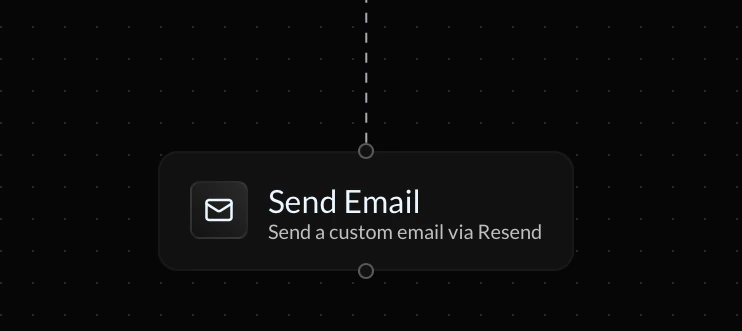
The Send Email action lets you send transactional or dynamic emails directly in your endpoint flow using the Resend integration. This block runs at execution time and supports both static content and dynamic variables from previous steps.
Screenshot2026 02 21at18 28 04

Resend Integration

This action requires a connected Resend integration. If no integration is connected, you will be prompted to connect one before the block can execute.

To

The To field defines the recipient. You can enter:
  • A static email address
  • A dynamic variable
  • A combination of both

Examples

user@example.com
{params.recipient}

From

The From field defines the sender. Format:
Your App Name <hello@yourdomain.com>
The sending domain must be verified in your Resend account.

Subject

The Subject field defines the subject line. You can include dynamic variables using {} syntax.

Example

Welcome to our platform, {params.name}!

Body

The Body field contains the email content. You can:
  • Write plain text
  • Include dynamic variables
  • Combine static and dynamic content

Example

Hi {params.name},

Thank you for signing up.

Best,
The Team
All variables are resolved at runtime before the email is sent.

Using Variables

Any previously stored variable can be referenced using:
{local.VARIABLE_NAME}
Example:
{local.summary}

Behavior & Scope

  • The email is sent immediately when the block executes.
  • If the block fails (for example, invalid email or unverified domain), flow execution may stop depending on your error handling setup.
  • Dynamic variables are resolved at runtime.
The Send Email block is useful for confirmations, notifications, alerts, and AI-generated messaging.