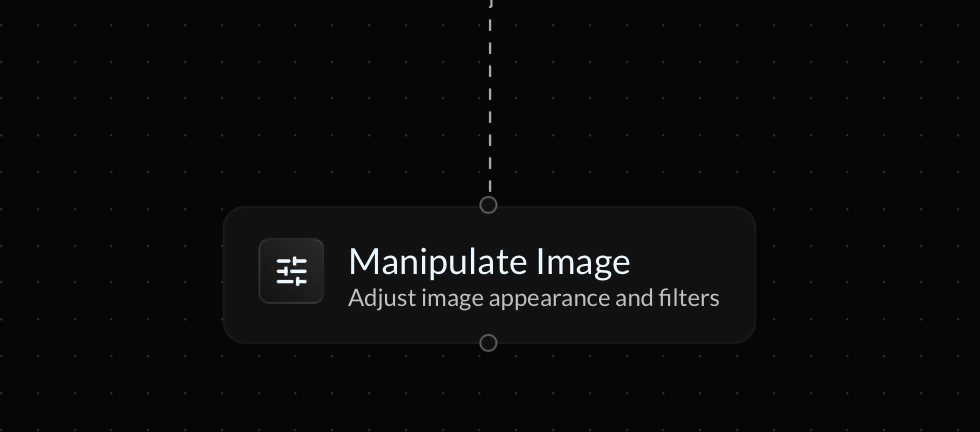
The Manipulate Image action allows you to apply visual filters to an image URL inside your endpoint flow. You can use this to adjust image appearance such as contrast, brightness, blur, hue, and more.
Image Preview
The block includes a live image preview so you can quickly verify how your selected operation and values will affect the image before continuing your flow.
Image URL
The Image URL field is the source image that will be manipulated. This can be a direct URL or a variable.
Operation
The operation determines which filter is applied to the image. Below are the available options:
Reference Variable
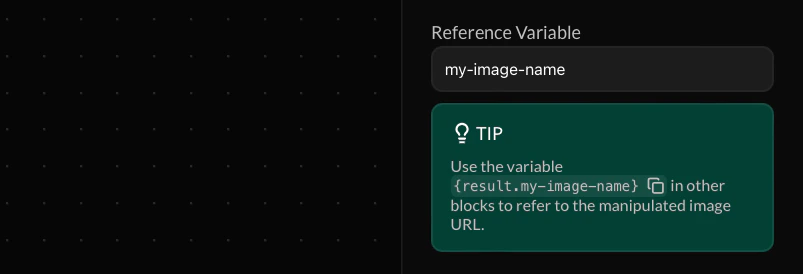
The Reference Variable allows you to store the manipulation result in a variable. After setting a reference variable, you can use {result.my-image-name} in future actions to refer to the manipulated image URL.
Make your reference variable names as descriptive and unique as possible to prevent your endpoint flow from becoming cluttered. If a future variable is assigned the same name, the value of your reference variable will be overriden.