The Manipulate Text action allows you to modify text values by applying various different manipulation operations on the text.
Input Text
The input text is the base text value that the manipulative operation will be performed upon. This may be static text or a variable.
Operation
The operation dictates the way your text vaue will be manipulated. Below are listed the available operations that can be applied to a text value using the Manipulate Text action:
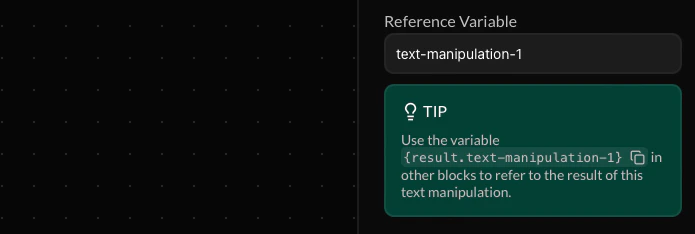
Reference Variable
This variable allows you to refer to the result of the text manipulation in future action blocks down your endpoint’s flow. This variable must be assigned a custom name.
Make your reference variable names as descriptive and unique as possible to prevent your endpoint flow from becoming cluttered. If a future variable is assigned the same name, the value of your reference variable will be overriden.