

Overview
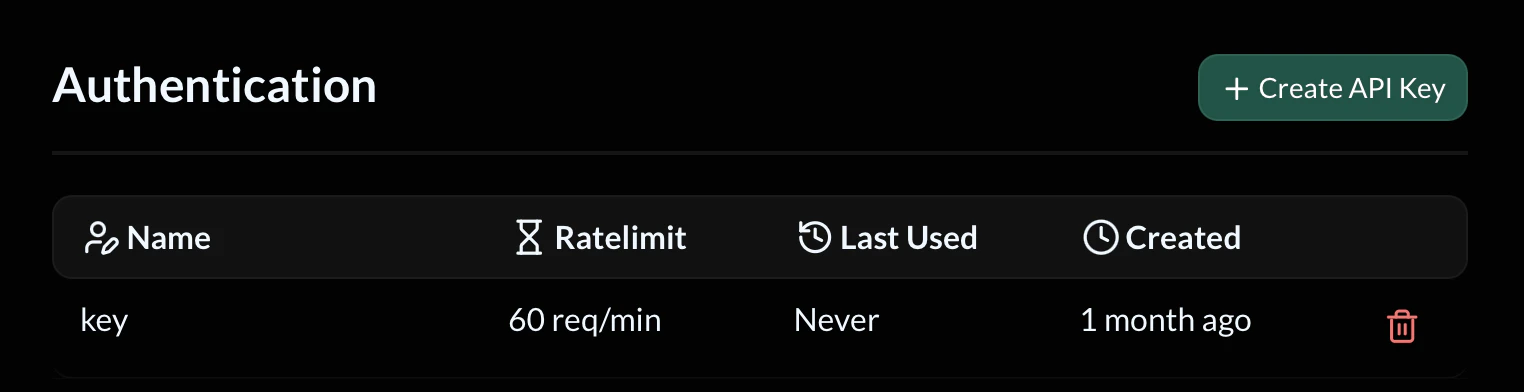
API keys act as credentials for your API. When authentication is enabled for an endpoint, requests must include a valid API key or they will be rejected. Each API key includes:- Name – A reference name for identifying the key
- Ratelimit – Maximum allowed requests per minute
- Last Used – The last time the key was used in a request
- Created – When the key was generated
Creating an API Key
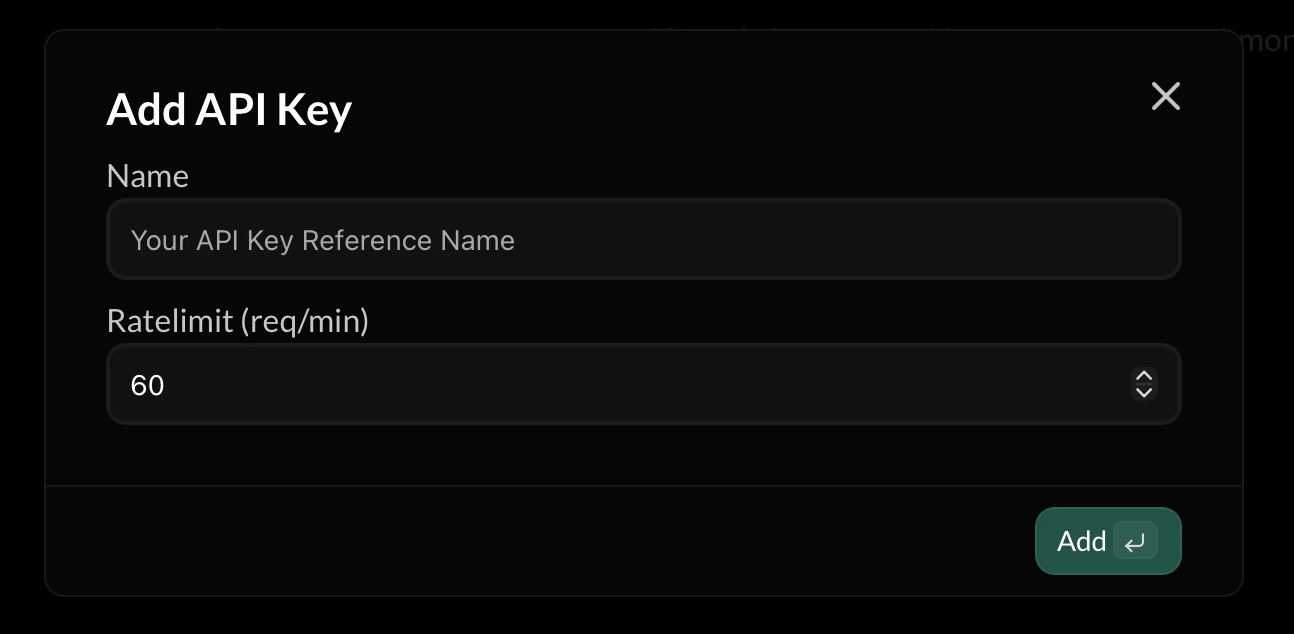
To create a new API key:- Open the Authentication page
- Click Create API Key
- Enter a Name for the key
- Set a Rate limit
- Click Add
API Key Name
The Name field is used purely for identification. Examples:Rate Limiting
Each key can have its own rate limit, measured in requests per minute. Example:- Abuse
- Traffic spikes
- Misconfigured clients
- Infinite request loops
Using an API Key
To authenticate a request, include your API key in the request headers. Example:Last Used
The Last Used field shows when the key was most recently used. This helps you:- Identify inactive keys
- Detect unexpected usage
- Monitor API access patterns
Deleting API Keys
You can delete an API key at any time using the delete icon next to the key. Once deleted:- The key immediately stops working
- Any clients using it will receive authentication errors
Security Practices
To keep your API secure:- Never expose API keys in public repositories
- Do not embed keys directly in frontend applications
- Rotate keys periodically
- Use separate keys for different services
When to Use Authentication
Authentication should be enabled when:- Your API is used by private services
- You need to limit access
- You want to rate-limit clients
- Your API handles sensitive operations