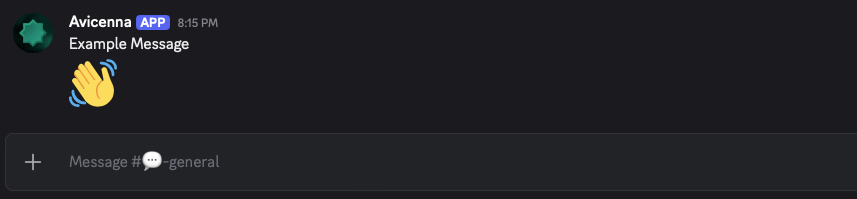
This action requires the Discord Integration to be configured in order to run. Your endpoint flow will ignore this block if the integration is not properly configured.
Channel ID
The Channel ID is the unique Discord ID for the channel you’d like to send the message to. The channel must be within the server connected to your Avicenna account. This may be static text or a variable.To find the ID for a channel in Discord, you need Developer Mode enabled on your account. Read here for full instructions.
Message Content
The message content is the actual plaintext content you’d like the Discord message to contain.