> ## Documentation Index
> Fetch the complete documentation index at: https://docs.avicenna.dev/llms.txt
> Use this file to discover all available pages before exploring further.
# Send External Request
> Send an HTTP request to an external endpoint
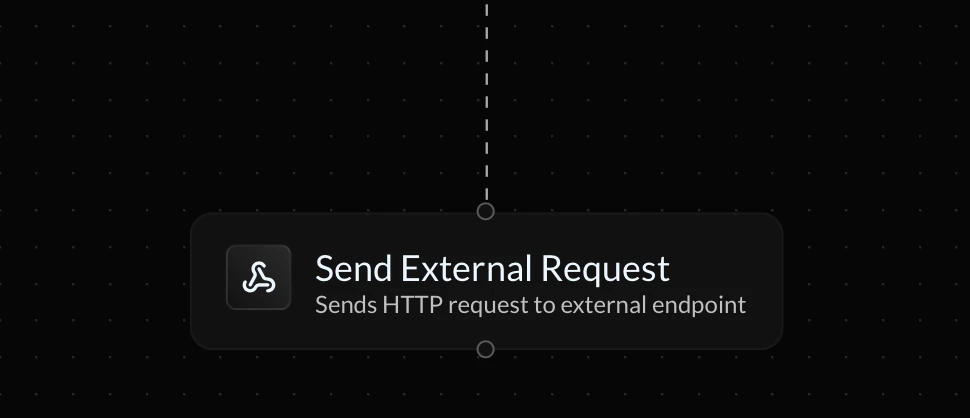
The **Send External Request** action allows you to send an HTTP request an to an external, 3rd-party API and use the response information in your endpoint's flow.
 ***
### Block Name
The **block name** is the reference name for the request that will correspond to the response variables you can use in future actions.
If a future block is assigned the same name, the value of your reference variable may be overriden.
Below are listed the variables that can be used throughout your endpoint's flow to reference the request's response.
| Variable | Description |
| ----------------------- | ----------------------------------------------------------- |
| `{BLOCK_NAME.body}` | Returns full response body |
| `{BLOCK_NAME.status}` | Returns the request status |
| `{BLOCK_NAME.body.KEY}` | Returns the value of a specific key in a JSON response body |
### Request URL
The **request URL** is the URL that the API request will be sent to. Query parameters can also be included in the URL, as shown below:
```shellscript theme={null}
https://example.com/api/info?name=Bobby&age=18
```
### Method
The **method** is the type of API request that will be sent. Refer to the API provider's documentation for information on which one to choose.
### HTTP Headers
The**HTTP headers** allow you to attach extra information to your request, such as authentication tokens or request metadata. Up to 10 key-value pairs may be configured per request.
### Request Body
All request methods except `GET` requests also include a **request body**. This is where most extra information and inputs are placed in a request. Refer to the API provider's documentation for information on what to add.
***
### Block Name
The **block name** is the reference name for the request that will correspond to the response variables you can use in future actions.
If a future block is assigned the same name, the value of your reference variable may be overriden.
Below are listed the variables that can be used throughout your endpoint's flow to reference the request's response.
| Variable | Description |
| ----------------------- | ----------------------------------------------------------- |
| `{BLOCK_NAME.body}` | Returns full response body |
| `{BLOCK_NAME.status}` | Returns the request status |
| `{BLOCK_NAME.body.KEY}` | Returns the value of a specific key in a JSON response body |
### Request URL
The **request URL** is the URL that the API request will be sent to. Query parameters can also be included in the URL, as shown below:
```shellscript theme={null}
https://example.com/api/info?name=Bobby&age=18
```
### Method
The **method** is the type of API request that will be sent. Refer to the API provider's documentation for information on which one to choose.
### HTTP Headers
The**HTTP headers** allow you to attach extra information to your request, such as authentication tokens or request metadata. Up to 10 key-value pairs may be configured per request.
### Request Body
All request methods except `GET` requests also include a **request body**. This is where most extra information and inputs are placed in a request. Refer to the API provider's documentation for information on what to add.