> ## Documentation Index
> Fetch the complete documentation index at: https://docs.avicenna.dev/llms.txt
> Use this file to discover all available pages before exploring further.
# Send Email
> Send a custom email using the Resend integration.
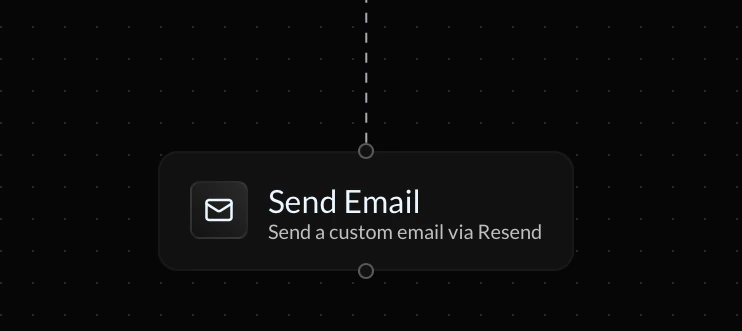
The **Send Email** action lets you send transactional or dynamic emails directly from your endpoint flow using the Resend integration.
This block runs at execution time and supports both static content and dynamic variables from previous steps.
This action requires the **Resend Integration** to be configured in order to run. Your endpoint flow will ignore this block if the integration is not properly configured.
 ***
### To
The **To** field defines the recipient's email address. You can enter a static email that will be used in all requests or use a variable for dynamic email sending per every request.
### From
The **From** field defines the sender's name and email address. The syntax should be as follows:
```text theme={null}
Your App Name
```
The Sender's email domain must be verified from your Resend dashboard.
### Subject
The **Subject** field defines the subject line of the email. You can include dynamic variables using `{}` syntax. For example:
```text theme={null}
Welcome to our platform, {params.name}!
```
### Body
The **Body** field contains the email's main content. You can write static plain text or use variables to make each request dynamic! For example:
```text theme={null}
Hi {params.name},
Thank you for signing up.
Best,
The Team
```
***
### To
The **To** field defines the recipient's email address. You can enter a static email that will be used in all requests or use a variable for dynamic email sending per every request.
### From
The **From** field defines the sender's name and email address. The syntax should be as follows:
```text theme={null}
Your App Name
```
The Sender's email domain must be verified from your Resend dashboard.
### Subject
The **Subject** field defines the subject line of the email. You can include dynamic variables using `{}` syntax. For example:
```text theme={null}
Welcome to our platform, {params.name}!
```
### Body
The **Body** field contains the email's main content. You can write static plain text or use variables to make each request dynamic! For example:
```text theme={null}
Hi {params.name},
Thank you for signing up.
Best,
The Team
```